27
User Agent Checker – Find Your Browser, Device & OS Information
Use our free User Agent Checker to instantly detect your browser type, version, operating system, and device details. Quick, accurate, and easy to use.
Introduction
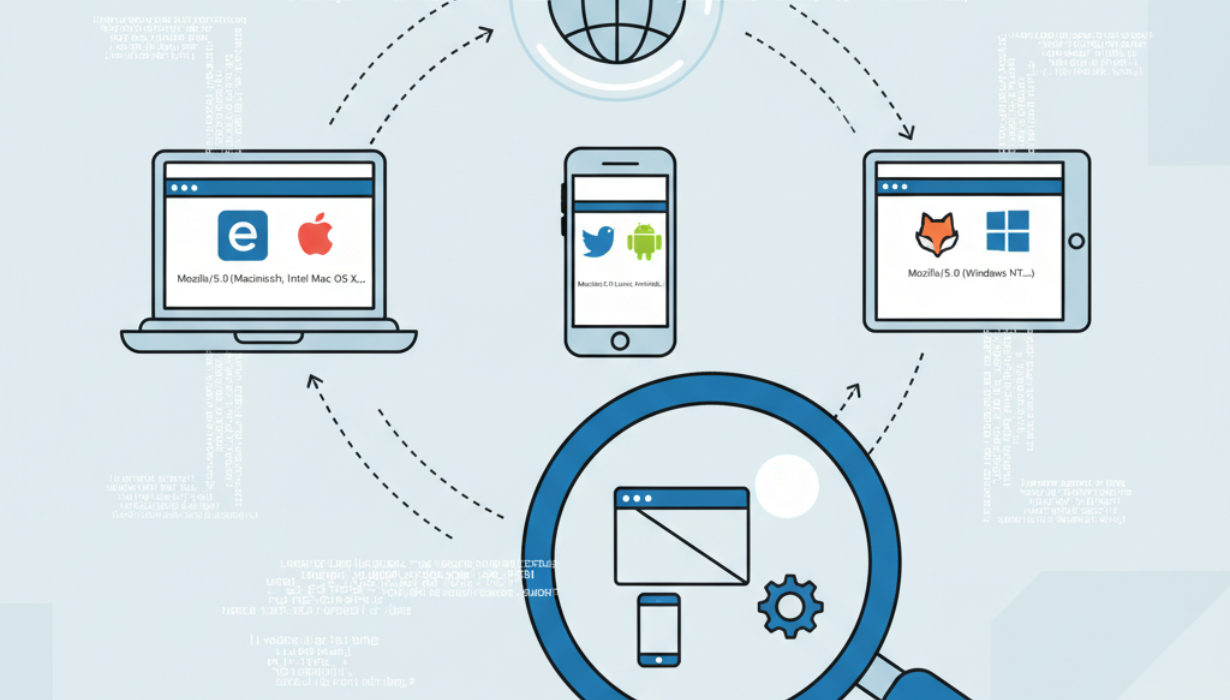
Every time you visit a website, your browser quietly sends information about your system to the server. This information, known as the user agent string, includes details about your browser, operating system, and sometimes the device you are using.
For most internet users, this happens silently in the background. But for developers, SEO experts, or even curious users, knowing your user agent details can be extremely useful. That’s exactly where our User Agent Checker Tool comes in. It lets you instantly view the information your browser shares online in a clear, easy-to-understand way.
In this guide, we’ll explain everything you need to know about user agents, why they matter, and how our tool can help you check them effortlessly.
What is a User Agent?
A user agent is a small text string that acts like an ID card for your browser. Whenever you request a webpage, your browser includes this identifier in the request header.
The user agent usually contains four key pieces of information:
- Browser Name and Version – e.g., Chrome 120, Firefox 118, Safari 17.
- Operating System – e.g., Windows, macOS, Linux, Android, or iOS.
- Device Type – whether you’re on a desktop, laptop, smartphone, or tablet.
- Rendering Engine – such as Blink, WebKit, or Gecko, which are responsible for processing and displaying web pages.
For example, a user agent string might look like this:
Mozilla/5.0 (Windows NT 10.0; Win64; x64) AppleWebKit/537.36 (KHTML, like Gecko) Chrome/120.0.0 Safari/537.36
From this string, we can tell the user is on Google Chrome (version 120) running on Windows 10 (64-bit).
Why Are User Agents Important?
User agents play a crucial role in how the web works. Here are some of the main reasons why they matter:
1. Website Adaptation
Websites often use user agent data to adjust layouts and serve optimized content. For example:
- A news site may serve a simplified mobile version for smartphones.
- A video platform may adjust quality settings based on the detected device.
2. Compatibility Checks
Certain web apps need to verify if your browser supports required features. If your browser is outdated, the site might recommend an update.
3. Analytics and Insights
Marketers and analysts use user agent data to track:
- Which browsers are most popular among visitors.
- The percentage of traffic coming from mobile vs. desktop.
- The operating systems being used.
4. Security and Filtering
Web servers can filter requests based on user agents. For example:
- Allowing verified bots like Googlebot or Bingbot.
- Blocking fake or malicious crawlers pretending to be legitimate.
Why Use a User Agent Checker?
While user agent strings are sent automatically, they aren’t always easy to read. Our User Agent Checker breaks down the information for you.
Here’s why it’s useful:
- Developers can test compatibility across browsers and devices.
- SEO specialists can check if a crawler is genuine or spoofed.
- Security experts can identify suspicious traffic.
- Regular users can learn what data their browser is sharing.
Features of Our User Agent Checker Tool
Our tool is designed to be simple and effective. Key features include:
- Instant Browser Detection – Shows your browser name and version in real time.
- OS Identification – Detects Windows, macOS, Linux, Android, or iOS.
- Device Type Recognition – Tells if you’re on mobile, tablet, or desktop.
- Full User Agent String Display – Lets you copy and use it for debugging.
- Free & Easy to Use – Works directly in your browser, no installation required.
How to Use the User Agent Checker
Using the tool takes only a few seconds:
- Visit the User Agent Checker page.
- The tool automatically scans and displays your details.
- Copy the user agent string if needed for testing or development.
That’s it – no input required from your side.
Real-Life Use Cases
1. For Developers
Developers often need to test how websites behave in different environments. With a User Agent Checker, they can:
- Confirm which version of a browser is being used.
- Debug issues that only appear on certain operating systems.
- Simulate requests from different devices.
2. For SEO Specialists
Search engine optimization relies heavily on understanding crawlers. By checking user agents, SEOs can:
- Verify if traffic comes from real bots like Googlebot.
- Detect fake crawlers that may scrape content.
- Analyze how search engines view their websites.
3. For Security Professionals
Security teams use user agent data to:
- Block bots or suspicious traffic.
- Detect unusual browsing patterns.
- Strengthen server-side defenses against fake requests.
4. For Everyday Users
Even regular users benefit from this tool:
- Discover what information is shared by default.
- Learn if their browser is up to date.
- Check compatibility before accessing certain sites.
Benefits of Checking Your User Agent
- Quick troubleshooting – Identify issues across browsers.
- Validation – Confirm the authenticity of bots and crawlers.
- Cross-device testing – Ensure websites display correctly.
- Transparency – Know what data your browser is revealing.
Frequently Asked Questions (FAQs)
Q1: Can I change my user agent?
Yes. Most modern browsers allow you to switch user agents through developer tools or extensions. This is useful for testing mobile vs. desktop behavior.
Q2: Does every browser send a user agent?
Yes, all browsers include a user agent string when requesting a webpage.
Q3: Is sharing my user agent safe?
Generally, yes. A user agent does not include personal details like your name or passwords. It only reveals technical information about your system.
Q4: Can user agents be faked?
Yes. Some bots and malicious programs disguise themselves by using fake user agents. That’s why it’s important to check and verify them.
Q5: Why does my user agent include "Mozilla"?
Many modern browsers include the word "Mozilla" for historical compatibility reasons, even if they aren’t actually Mozilla Firefox.
Final Thoughts
The User Agent Checker Tool is a simple but powerful way to see what your browser is telling the web. Whether you’re a developer ensuring compatibility, an SEO checking bots, a security expert analyzing requests, or just a curious user, this tool gives you instant access to important system details.
👉 Try our User Agent Checker now and discover your browser, device, and OS information in seconds!
Contact
Missing something?
Feel free to request missing tools or give some feedback using our contact form.
Contact Us