28
Text to Binary Converter – Convert Text into Binary Code Instantly
Easily transform plain text into binary code with our Text to Binary Converter. This simple yet powerful tool converts characters into their binary equivalents, making it ideal for students, developers, cryptography enthusiasts, and anyone exploring the fundamentals of computer science.
Introduction
In the digital age, every piece of data—whether it’s a document, an image, or a video—ultimately boils down to binary code. Binary, the language of computers, uses only two digits: 0 and 1. While humans communicate using letters, numbers, and symbols, machines rely on this binary system to process, store, and transmit information.
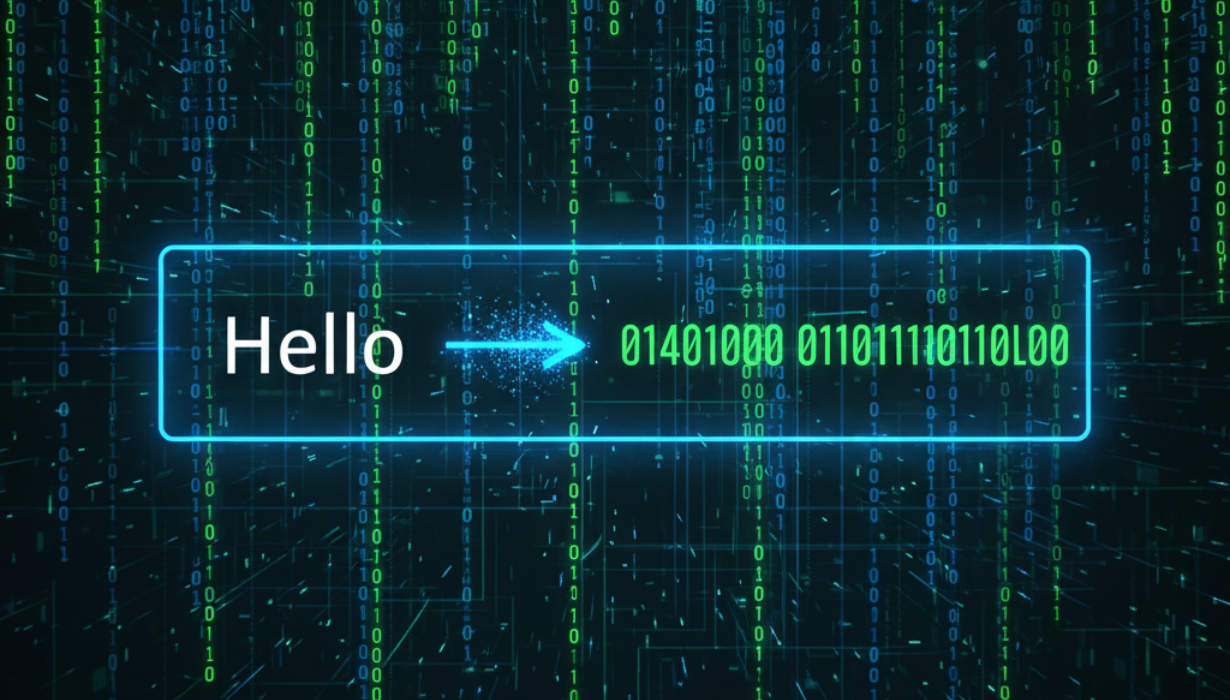
Our Text to Binary Converter bridges the gap between human-readable text and machine-readable binary code. With just a few clicks, you can instantly see how your words appear in binary, offering insights into computer science, cryptography, and digital encoding.
What is Binary Code?
Binary code is the fundamental language of computers. It represents information using only two possible states:
- 0 – typically interpreted as “off” or “false.”
- 1 – typically interpreted as “on” or “true.”
Every letter, number, or symbol you type is stored as a series of binary digits (bits). For example:
- The letter A in binary is 01000001.
- The letter B in binary is 01000010.
- The number 1 in binary is 00110001.
Through binary, computers understand instructions and perform tasks.
Why Convert Text to Binary?
There are several reasons why converting text into binary is useful:
- Learning Computer Fundamentals – Students can understand how data is represented inside machines.
- Programming & Development – Developers often need binary for debugging or encoding tasks.
- Cryptography – Binary encoding can be part of simple encryption techniques.
- Data Transmission – Binary ensures accurate storage and transfer of text across devices.
- Curiosity & Experimentation – Many users simply enjoy exploring how computers work behind the scenes.
How Text Converts to Binary
When you type text, each character is mapped to a numeric value defined by ASCII (American Standard Code for Information Interchange) or Unicode. That number is then converted into binary.
For example:
- Text: Hi
- ASCII values: H = 72, i = 105
- Binary representation:
- H → 01001000
- i → 01101001
- Final Output: 01001000 01101001
This process happens instantly in our converter.
Features of Our Text to Binary Converter
- Instant Conversion – Enter text and instantly get binary output.
- Accurate Results – Every character is converted precisely according to ASCII/Unicode standards.
- Copy Function – Quickly copy binary results for use in code or projects.
- Clean Interface – Simple design, accessible to beginners and experts alike.
- Cross-Device Compatibility – Works smoothly on desktops, tablets, and mobile devices.
- Free Access – 100% online, no installations or sign-ups required.
How to Use the Converter
- Type or paste your text into the input field.
- Press the Convert button.
- View the binary representation displayed instantly.
- Use the Copy option to transfer the result into your code, project, or notes.
That’s it—conversion in just seconds!
Benefits of Using a Text to Binary Converter
- Saves Time – No need for manual binary calculations.
- Reduces Errors – Automated conversion eliminates mistakes.
- Educational Value – A great tool for learning encoding concepts.
- Professional Utility – Ideal for developers, students, and IT professionals.
- Versatility – Works for plain text, numbers, and special characters.
Applications of Text to Binary Conversion
- Education – Teachers and students use it to understand binary systems.
- Programming – Developers check binary representations of characters.
- Cryptography – Binary can be used in learning encryption basics.
- Networking – Data packets often rely on binary encoding.
- Digital Art & Puzzles – Binary patterns can be used for creative projects.
FAQs – Text to Binary
Q1: Can binary be converted back to text?
Yes. You can use a Binary to Text Converter to reverse the process and decode binary into human-readable characters.
Q2: What encoding standard does this converter use?
It primarily uses ASCII, but Unicode extensions can also apply depending on input.
Q3: Is this tool free to use?
Yes. Our Text to Binary Converter is 100% free and requires no downloads.
Q4: Do I need programming knowledge to use it?
Not at all! The interface is beginner-friendly and requires no technical expertise.
Q5: Can I use it on my phone?
Yes. The tool is responsive and works perfectly across mobile, tablet, and desktop devices.
Best Practices When Using Binary in Projects
- Stay Consistent with Encoding – Use the same standard (ASCII or Unicode) across projects.
- Double-Check Outputs – Especially for critical applications like encryption.
- Combine with Other Tools – For deeper analysis, use text-to-hex or binary-to-decimal converters.
- Learn the Basics – Understanding how binary works strengthens programming and IT skills.
- Use for Experiments – Try converting names, sentences, or numbers to gain confidence.
Why Our Converter Stands Out
While there are many text-to-binary converters online, our tool is designed to provide:
- Speed – Conversions in milliseconds.
- Reliability – Precise and accurate output.
- Usability – Simple interface for all levels.
- Accessibility – No hidden costs or restrictions.
- Cross-Platform Support – Works on any device or operating system.
This makes it one of the most practical and educational binary conversion tools available online.
Conclusion
Binary may look like a confusing mix of 0s and 1s, but it is the foundation of the digital world. Every message you send, every file you save, and every website you browse is powered by binary code. With our Text to Binary Converter, you can explore this fascinating system effortlessly.
Whether you’re a student learning about digital encoding, a programmer debugging a project, or simply someone curious about how computers work, this tool makes the process easy, fast, and reliable. Start converting your text into binary today and uncover the hidden digital layer beneath your words.
Contact
Missing something?
Feel free to request missing tools or give some feedback using our contact form.
Contact Us