13
Hostify – Free IP to Hostname Lookup Tool | Instantly Find Hostnames Online
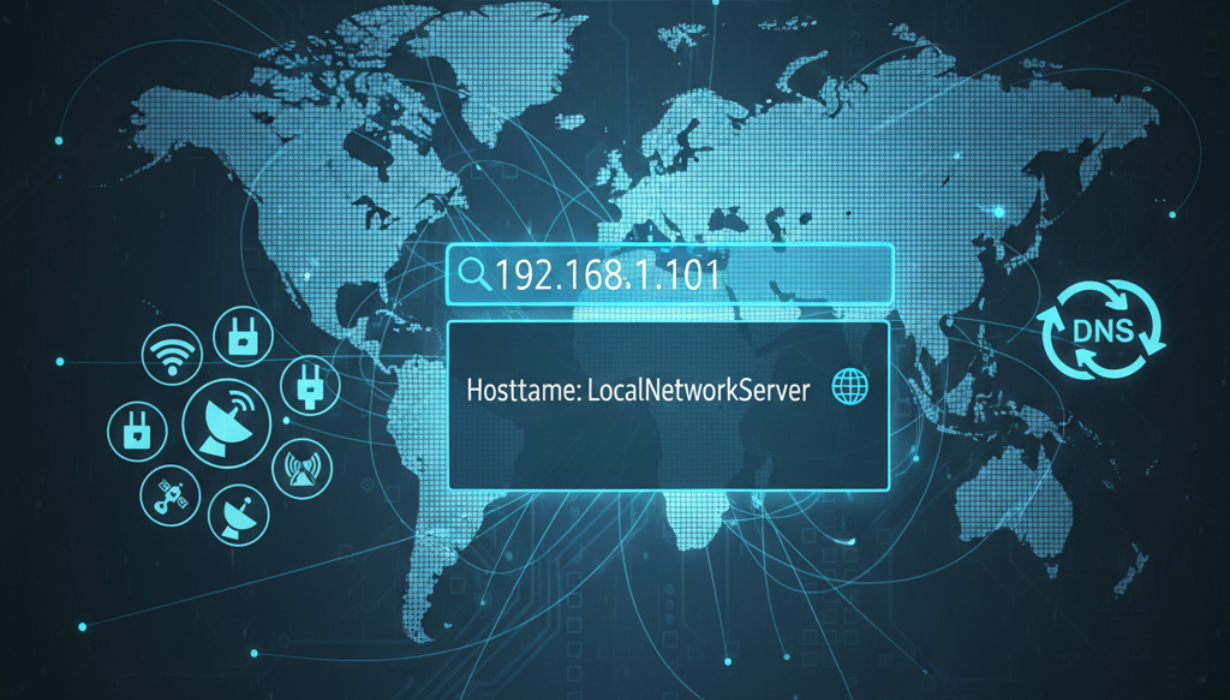
Hostify is a free online tool that instantly converts any IP address into its corresponding hostname. Ideal for developers, network administrators, and cybersecurity professionals, this IP to Hostname Lookup helps you trace domains, verify connections, and troubleshoot network issues quickly and efficiently.
- ⚡ Instant Results: Get hostname data in seconds with zero lag.
- 🔒 Secure & Private: No data is stored or logged — your queries remain confidential.What is Hostify?
Hostify is a powerful yet simple online tool that allows users to find the hostname linked to any given IP address. Whether you’re diagnosing network issues, performing cybersecurity checks, or simply exploring how the internet connects devices, Hostify provides fast and accurate results with a single click.
This tool performs a reverse DNS lookup, translating numeric IP addresses into readable hostnames. It’s a crucial step for understanding how devices communicate over networks and how domains are resolved behind the scenes.
Why IP to Hostname Lookup Matters
In every digital network, communication between servers, websites, and users happens through IP addresses. However, these numbers are not always easy to read or interpret. That’s where hostname lookups come in — they reveal meaningful domain information associated with each IP.
Here’s why IP to Hostname lookups are essential:
- Network Troubleshooting:
When connectivity issues arise, identifying the hostname behind an IP can help pinpoint where the problem originates. - Cybersecurity Monitoring:
Security analysts often use hostname lookups to trace suspicious IPs, detect phishing servers, or verify legitimate traffic sources. - Server Management:
System administrators can validate DNS configurations, ensure server responses match expected hostnames, and maintain consistent infrastructure mapping. - SEO & Marketing Insights:
Marketers and SEO specialists may use reverse IP lookups to understand which hosting providers competitors use or identify linked domains. - Educational Purposes:
Developers and students learning about DNS systems can experiment with Hostify to visualize how reverse lookups function in real-time.
How Hostify Works
Hostify uses DNS queries to check the PTR (Pointer) record associated with an IP address. When an IP has a valid reverse DNS configuration, it returns a hostname — often linked to a domain, mail server, or web host.
Step-by-step process:
- Enter any valid IPv4 or IPv6 address into the search bar.
- Click “Find Hostname.”
- Hostify instantly retrieves the associated hostname (if available).
- The results are displayed clearly, along with key network details.
All lookups happen securely and in real time, ensuring data privacy and accuracy.
Key Features of Hostify
- 🌍 Supports IPv4 & IPv6: Compatible with all modern IP versions.
- 🖥️ User-Friendly Interface: Designed for simplicity, suitable for beginners and professionals alike.
- 🧩 Accurate Reverse DNS Lookup: Reliable results drawn from global DNS databases.
- 📱 Cross-Platform Access: Works smoothly on desktop, mobile, and tablet devices.
- 💡 Free Forever: No registration or subscription required.
When to Use Hostify
- Diagnosing slow or unreachable servers.
- Identifying the origin of website visitors.
- Tracing the hostname of an IP from a log file or analytics report.
- Verifying DNS settings for email or hosting configurations.
- Detecting potential spoofing or suspicious network activity.
Best Practices for Accurate Results
To ensure optimal lookup accuracy, keep these tips in mind:
- Use valid and properly formatted IP addresses.
- Understand that not all IPs have reverse DNS records.
- Use Hostify alongside WHOIS and DNS Lookup tools for a complete picture.
- For cybersecurity use cases, cross-check results against threat intelligence databases.
Frequently Asked Questions (FAQ)
Q1: Is Hostify free to use?
Yes, Hostify is completely free — no hidden fees or sign-ups required.
Q2: Can I use it for both IPv4 and IPv6?
Absolutely. Hostify supports both IP formats with full compatibility.
Q3: Why do some IPs return no hostname?
Not all IPs have reverse DNS records configured by their administrators, so some queries may not produce results.
Q4: Is my lookup data stored?
No. All lookups are processed securely in your browser session — nothing is saved.
Q5: What’s the difference between DNS and reverse DNS?
DNS translates hostnames to IPs, while reverse DNS (used by Hostify) converts IPs back into hostnames.
Why Choose Hostify?
Hostify stands out for its speed, accuracy, and privacy. Unlike many lookup services that log queries or throttle usage, Hostify delivers instant results with complete confidentiality.
Whether you’re troubleshooting a network, analyzing cybersecurity threats, or simply curious about a domain’s infrastructure, Hostify provides dependable insights in moments.
It’s fast, lightweight, and 100% browser-based — no software installation required.
Conclusion
Hostify simplifies reverse DNS lookups, allowing anyone to quickly find hostnames from IP addresses. From developers to system admins and marketers, it’s a must-have tool for network diagnostics and research.
With Hostify, you can confidently resolve IPs, verify DNS setups, and enhance your understanding of how domains and servers interact online — all for free.
Try Hostify today and experience fast, accurate, and secure hostname lookups at your fingertips.
Contact
Missing something?
Feel free to request missing tools or give some feedback using our contact form.
Contact Us