28
Hex to RGB Converter – Quick Color Code Conversion
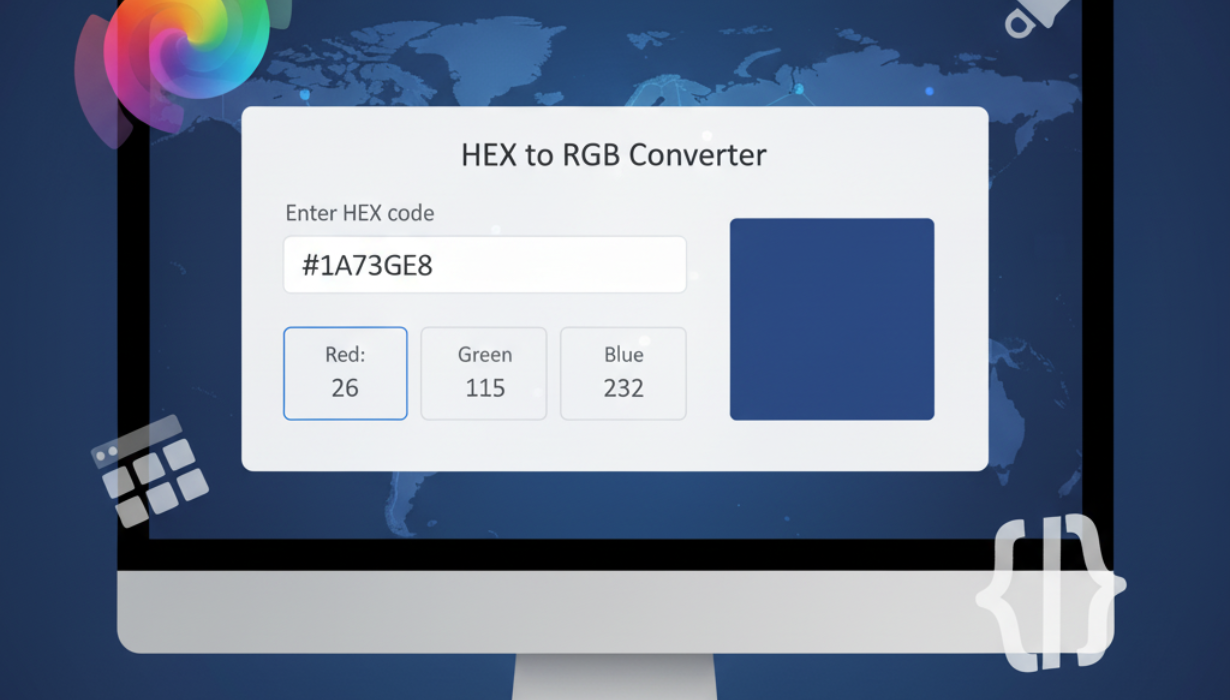
Convert HEX color codes into RGB values instantly with our Hex to RGB Converter. Ideal for web designers, developers, and digital artists, this tool ensures accurate and reliable color transformations for any project.
Introduction
Colors shape user experience, branding, and visual impact. Whether you're crafting a website, producing marketing visuals, or designing an app interface, using exact color codes makes the difference between a polished result and visual inconsistency. Two common formats for defining colors in the digital world are HEX (hexadecimal) and RGB (red, green, blue). Each format is favored in different environments — HEX in markup and CSS, RGB in many graphics programs — so converting between them quickly and reliably is a routine part of digital work.
Our Hex to RGB Converter is a lightweight, no-friction tool that converts HEX strings to RGB numbers in an instant, letting you keep your workflow moving without manual calculations or guesswork.
What HEX and RGB Represent
HEX is a compact way of encoding a color using six characters after a hash symbol (e.g., #1A2B3C). It uses base-16 notation (0–9 and A–F) where each pair corresponds to red, green, and blue intensity respectively.
RGB expresses the same information as three integers, each ranging from 0 to 255, such as RGB(26, 43, 60). RGB is intuitive for digital artists and editing software because it maps directly to light intensities used by displays.
Both notations describe the same color space — they’re just different languages. Converting between them ensures the shade you choose in a design tool is the same one you use in your website stylesheet.
Why Conversion Matters
- Tool compatibility: Some apps prefer RGB values while CSS often uses HEX. Converting guarantees the same color across tools.
- Brand fidelity: Accurate conversion helps maintain consistent brand visuals across platforms.
- Efficiency: Manual hexadecimal math is avoidable; a converter saves time and removes errors.
- Learning and precision: Seeing both representations helps designers and developers better understand color systems.
How the Conversion Works (In Plain Terms)
A HEX color like #1E90FF breaks down into three pairs: 1E, 90, and FF. Each pair is a hexadecimal number representing the intensity of a color channel. Converting each pair to decimal yields the RGB values:
- 1E in hex → 30 in decimal
- 90 in hex → 144 in decimal
- FF in hex → 255 in decimal
So #1E90FF converts to RGB(30, 144, 255). Our tool performs this translation instantly, so you don’t have to handle conversions yourself.
What Our Converter Does (Features)
- Immediate translation: Paste or type a HEX code and get the RGB output instantly.
- Live preview: See a visual swatch of the color as you convert.
- Copy friendly: One-click copy of the RGB value to your clipboard.
- Handles short and full HEX: Accepts shorthand (e.g., #FFF) and full-length codes (#FFFFFF).
- No setup required: Web-based and accessible from any modern browser.
- Mobile-ready: Fully functional on tablets and smartphones.
- Clear error handling: Friendly messages for invalid input so you know what to correct.
Step-by-Step: Using the Hex to RGB Converter
- Enter a HEX value in the input field (with or without the leading #).
- Click Convert (or press Enter).
- The tool displays the equivalent RGB triplet and a color swatch.
- Click the copy icon to paste the RGB value into your CSS, design document, or code editor.
That’s all — conversion in a couple of clicks.
Practical Benefits
- Consistency: Ensure your visual elements match across design files and code.
- Speed: Replace manual calculations with an instant result.
- Reliability: Reduce human error when translating color codes.
- Accessibility checks: Use RGB numbers with contrast tools to validate readability.
- Learning aid: Beginners can see the relationship between hexadecimal and decimal color formats.
Frequently Asked Questions
Q — Can I convert RGB back to HEX?
A — Yes. Most color tools let you convert both ways. If you need the reverse operation, use an RGB-to-HEX converter.
Q — Does HEX support transparency?
A — Standard six-digit HEX codes don’t include transparency. For opacity you can use RGBA(R, G, B, A) where A is the alpha channel (0.0–1.0), or in some contexts you may find eight-digit HEX that includes alpha.
Q — Does conversion change how a color looks on different screens?
A — Converting formats preserves the color values, but display differences (brightness, calibration) may still cause slight variations across devices.
Q — Is this tool free to use?
A — Yes — the converter is free, web-based, and requires no signup.
Best Practices When Working with Colors
- Verify contrast: Use contrast-checking tools to ensure text is legible over backgrounds.
- Keep a palette: Maintain a defined set of brand colors and their HEX/RGB equivalents.
- Test across devices: Colors may render differently on various displays; preview on multiple devices.
- Document values: Store both HEX and RGB values in design systems for developer-designer handoff.
- Use semantic variables: In CSS, use variables (custom properties) to make maintenance simpler.
Real-World Uses
- Web development: Convert corporate color HEX codes for use in CSS variables and inline styles.
- Graphic design: Use RGB values in Photoshop or Illustrator to match web colors precisely.
- UI/UX prototyping: Quickly switch between HEX and RGB when transferring color specs.
- Marketing and print prep: Ensure digital assets and online ads use consistent shades.
- Education: Teach students how hexadecimal maps to color intensity with immediate visual feedback.
Why Choose This Converter
Many converters exist, but this one prioritizes clarity, speed, and accessibility. It handles edge cases (like shorthand HEX), provides instant visual confirmation, and keeps the user experience minimal and focused so you can get back to design work without fuss.
Conclusion
Moving between HEX and RGB is a routine but important step in the digital design process. Accurate conversions keep your colors consistent, your brand intact, and your workflow efficient. Our Hex to RGB Converter removes the friction of manual conversions — fast, accurate, and ready whenever you need it.
Start converting now and keep your visual projects color-perfect.
Contact
Missing something?
Feel free to request missing tools or give some feedback using our contact form.
Contact Us